Windows 11 Haptic Feedback: A Subtle UI Revolution
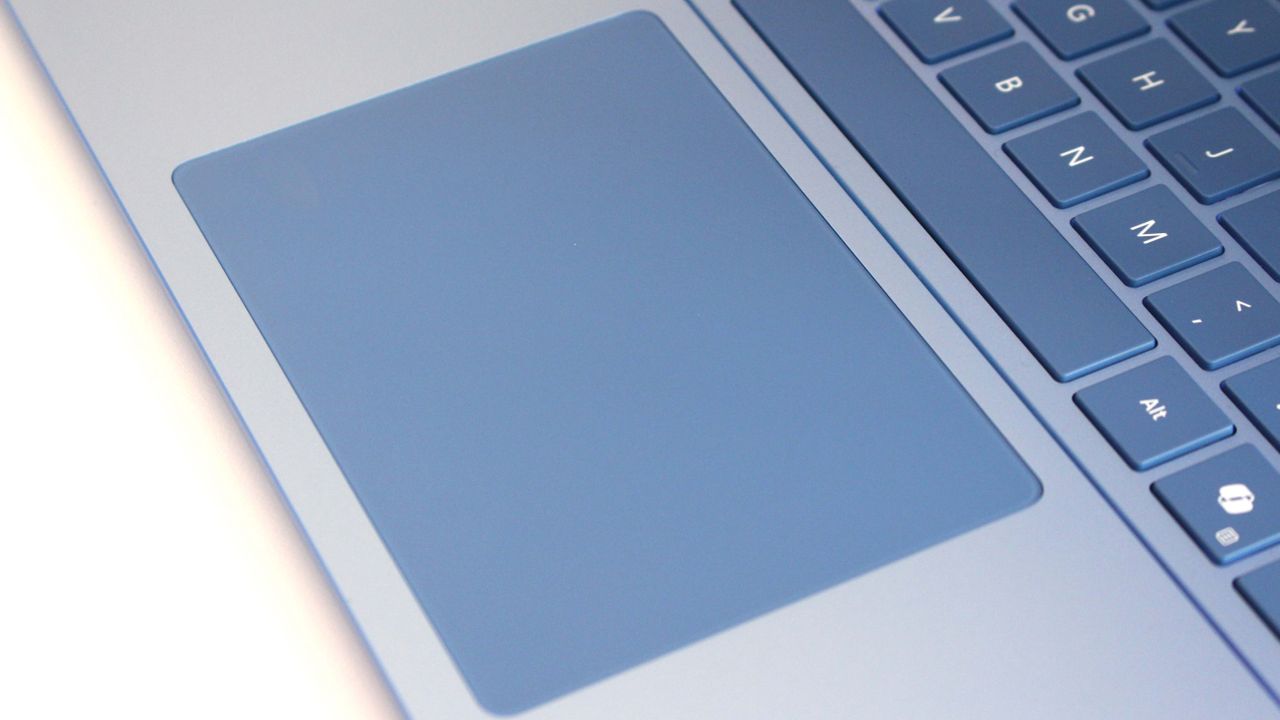
Windows 11 Introduces Haptic Signals for Enhanced User Experience
Microsoft has quietly rolled out a new feature in Windows 11 that adds haptic feedback to user interface interactions on compatible devices. Dubbed "Haptic Signals," this feature provides subtle vibrations when users perform actions like clicking, scrolling, or toggling settings, making the OS feel more responsive and tactile.
A Subtle but Meaningful Addition
According to recent reports, the feature is designed to work with devices that have haptic hardware support, such as certain laptops and tablets. Unlike the more pronounced vibrations used for notifications or alarms, Haptic Signals are gentle and nuanced, offering a sensory confirmation of actions without being intrusive. Early testers have described the experience as "satisfying" and "natural," noting that it reduces the need to visually confirm every interaction.
How It Works
Haptic Signals are integrated into various system interactions, including:
- Opening and closing windows
- Adjusting volume or brightness sliders
- Switching between virtual desktops
- Using the taskbar or Start menu
The feedback is customizable, allowing users to adjust intensity or disable it entirely for specific actions. This level of control ensures that the feature remains accessible to those who may find haptics distracting.
Why It Matters
While haptic feedback is common in smartphones and game controllers, its application in desktop operating systems is relatively new. Microsoft's move signals a broader trend toward making computing more immersive and intuitive. For users who spend long hours on their devices, these small tactile cues can reduce eye strain and improve overall comfort.
Availability
The feature is currently rolling out to Windows 11 Insiders in the Dev Channel, with a broader release expected in a future update. Compatible devices include those with precision touchpads or haptic touchscreens, such as the Surface Pro 9 or Dell XPS 13 Plus.
Final Thoughts
Haptic Signals may seem like a minor addition, but it represents a thoughtful improvement to the Windows 11 experience. By adding a layer of physical feedback, Microsoft is making the OS feel more alive and responsive. For those with compatible hardware, it's a feature that quickly becomes indispensable.
<!-- source_id: 7 -->