Transform Your Terminal: Expert Shell Tweaks Revealed
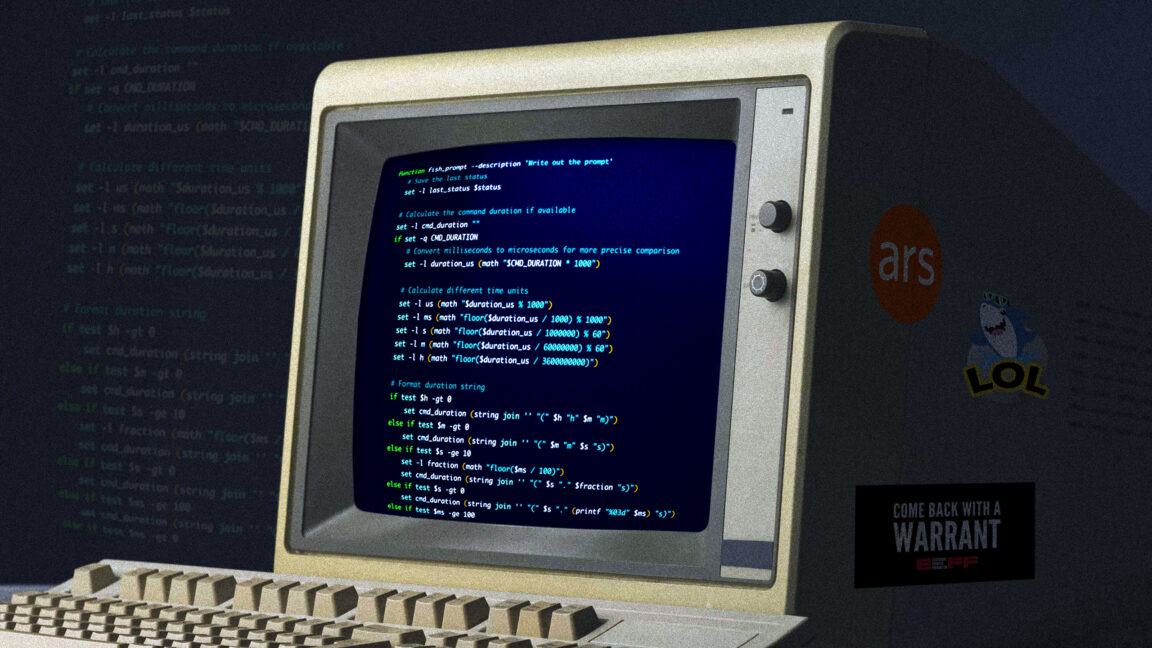
Unleash the Power of Your Command Line
According to recent reports, enthusiasts are pushing the boundaries of terminal customization, transforming the humble command-line interface into a powerhouse of productivity. The shell, often overlooked, can be tailored to fit individual workflows with a suite of tweaks and modifications.
Why Customize Your Shell?
A well-configured shell does more than look good—it streamlines repetitive tasks, enhances navigation, and provides instant access to system information. From custom prompts that display git branches to aliases that slash typing time, the possibilities are endless.
Essential Tweaks for Efficiency
- Aliases and Functions: Create shortcuts for long commands. For example,
alias ll='ls -la'saves keystrokes. - Prompt Personalization: Use tools like Powerlevel10k or Starship to design informative prompts showing time, path, and git status.
- Plugin Managers: Oh My Zsh or bash-it offer libraries of plugins for auto-suggestions, syntax highlighting, and more.
- Color Schemes: Enhance readability with themes like Solarized or Gruvbox.
Advanced Customizations
- Custom Scripts: Automate complex workflows with shell scripts that chain commands.
- Key Bindings: Remap keys for faster editing, such as
Ctrl+Leftto jump words. - Fuzzy Finders: Integrate fzf for quick file and command searching.
Community Favorites
Enthusiasts often share their setups online, showcasing everything from minimalist to feature-rich terminals. Popular additions include neofetch for system info displays and tmux for session management.
Getting Started
Start small: pick one tweak, like adding a useful alias or installing a theme. Gradually build a configuration that feels natural. The journey to a tricked-out terminal is as rewarding as the destination, making every command a joy to execute.
<!-- source_id: 3 -->